
Firefox 160 Brings Speech Recognition Back to the Desktop
The most interesting thing in Firefox 160 is not another place to put a chatbot. It is a browser capability that could let a website turn speech into text on the computer in front of you. Mozilla released the update on November 10, and its developer notes say on-device speech recognition is now available on desktop in 40 languages. That is a useful change in where a piece of everyday computing can happen.

There are important boundaries. This is support for the Web Speech API, not a promise that every text box on the internet has suddenly acquired dictation. Mozilla explicitly says recognition is not supported on Android, and neither is remote cloud recognition in this implementation. Websites still have to make use of the capability. The distinction matters more than the language count: a browser shipping an interface is the beginning of an application story, not the finished application.
A smaller, more practical local-computing story
Local AI is often discussed as a contest over how large a model someone can squeeze into memory. Speech recognition offers a less theatrical question: can a familiar task stay on the device without making the user manage a separate computing service? Firefox’s release gives web developers another reason to ask it.
I like that direction. For an application that actually uses on-device recognition, the transcription step need not be a trip to a remote speech-recognition service. But that should not be inflated into a blanket privacy claim about the website. What an application does with the resulting text is a separate matter. A local microphone-to-text pipeline and a confidential end-to-end workflow are not synonyms.
Mozilla’s notes establish availability, not how accurately the feature handles your microphone, accent, room noise, or specialist vocabulary. They do not establish a performance win on your laptop, either. Those are things a developer should test with actual users before replacing an existing input method. A button that works beautifully in a quiet demonstration can still be a poor tool in a shared office.

The browser is also getting out of the way
The rest of the release has an appealingly workmanlike streak. A new Mini Window can move a tab, or a selected part of a page, into an always-on-top window. Mozilla calls it an early version and asks for feedback. Picture-in-Picture gains playback-speed controls from 0.25x to 2.0x, although the control appears only when the player window is medium-sized or larger.
Those are different features with a similar attraction: keeping one useful thing visible without surrendering the rest of the screen. A reference page beside a task, or a video lesson that runs at a manageable pace, is a more concrete improvement than another sweeping promise to reinvent browsing. Whether Mini Window earns a permanent place in that workflow will depend on the details; the release notes are an invitation to try it, not evidence that it is already polished.
Another change deserves more attention than its position in the list might suggest. Pages saved as PDF now make mathematical content written in MathML accessible to assistive technology such as screen readers. Exporting a page should not mean throwing away the meaning of its equations. This is a specific accessibility improvement, not a claim that every PDF or every equation on the web is now accessible.
Useful fixes, and one compatibility check
Several fixes address the tiny interruptions that make a browser feel unreliable. Mozilla reports correcting the loss of the first character typed quickly after clicking the address or search bar. It also reports fixing freezes during sign-in to intranet sites using NTLM or Kerberos authentication. On macOS, the list includes simultaneous downloads failing to finish when Firefox asks where to save files, along with downloaded files sometimes opening in the wrong application.
For developers, the migration details are less cozy. MDN documents changes to WebTransport, including required arguments for exportKeyingMaterial and replacement of the non-standard datagram high-water-mark properties. If your application uses those interfaces, this is a release-note-reading moment rather than an assumption that a browser update can never affect your code. Meanwhile, features in MDN’s experimental section should not be mistaken for universally enabled stable capabilities.
My takeaway is modest, which is part of the appeal. Firefox 160 puts a useful speech capability on the desktop, improves a meaningful export path for mathematics, and repairs several ordinary annoyances. None of that requires believing the browser has become an autonomous coworker. Sometimes the better technology story is that the tool learned to do one more job nearby—and got a little less irritating at the jobs it already had.
Sources and scope
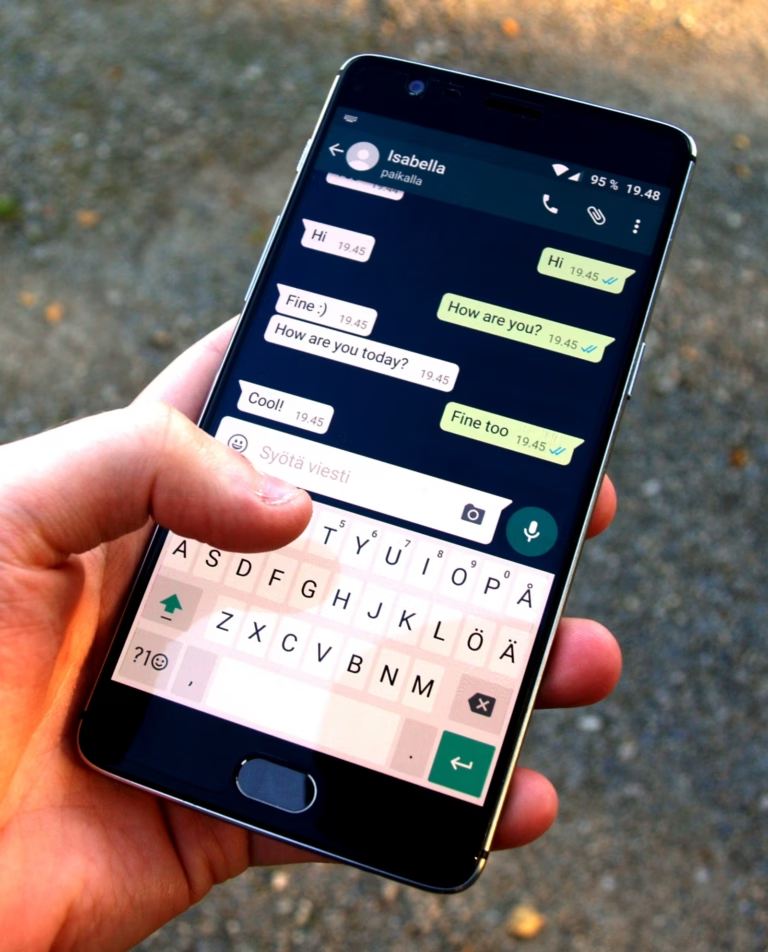
This article is based on Mozilla’s Firefox 160 release notes and the MDN developer release notes, both dated November 10, 2026. Feature descriptions are reported from those primary sources, not a hands-on performance test. The photographs are illustrative, not screenshots of Firefox 160.