Mac Studio M5 Ultra vs M5 Max vs DGX Spark: Which One Runs the Biggest Local LLM
Three compact machines, one question: which one runs the biggest local LLM, and which one runs it fastest? Apple’s new Mac Studio — the M5 Max and the all-new M5 Ultra, both shipping September 22 — sits head-to-head with the M5 Ultra’s 96GB of unified memory against the M5 Max’s 128GB, and the only thing standing between them is the classic AI trade-off: bandwidth vs. capacity. NVIDIA’s DGX Spark adds a third option: 128GB of memory with full CUDA, but at a fraction of the bandwidth. Here’s the honest breakdown, built around the question most people actually ask — which LLMs can each one actually run, and is the 2× Ultra worth 32GB less RAM?
TL;DR — the answer first
- Same price, different bet. The two Macs are $100 apart: M5 Ultra 96GB at $5,499 vs. M5 Max 128GB at $5,399.
- If your model fits in 96GB, buy the Ultra. Its 1.2TB/s memory bandwidth is roughly 2× the Max’s 614GB/s, and inference speed scales directly with bandwidth. For the same ~$5,400 you get ~2× the tokens/second on 70B-class models.
- If you need to run a bigger model, buy the Max 128GB. It is the only sub-$6K Mac that reaches 128GB — enough for ~120B MoE models (Qwen3-235B-A22B class at low quant) that a 96GB machine cannot load at all. Capacity is a hard ceiling; bandwidth is only a speed multiplier.
- The DGX Spark ($4,699) is the CUDA path. 128GB and a full GPU ecosystem for training, fine-tuning, and vLLM — but at 273GB/s it’s the slowest of the three for pure inference. Choose it for the stack, not the speed.
The three machines at a glance
| Spec | Mac Studio M5 Ultra | Mac Studio M5 Max | NVIDIA DGX Spark |
|---|---|---|---|
| As configured | 96GB / 1TB | 128GB / 1TB | 128GB / 4TB |
| Price (U.S.) | $5,499 | $5,399 | $4,699 |
| Compute | 30-core CPU (up to 36), 64-core GPU (up to 80) | 18-core CPU, 40-core GPU | 20-core Arm CPU + 6,144 CUDA cores |
| Memory bandwidth | 1.2 TB/s | 614 GB/s | 273 GB/s |
| AI memory ceiling | 512GB (late Oct) | 128GB | 128GB (2-box cluster = 256GB) |
| Ecosystem | macOS / MLX / Metal | macOS / MLX / Metal | DGX OS / CUDA / NIM |
| Availability | Sep 22, 2026 | Sep 22, 2026 | Shipping now |
The two Macs: same desk, different bet
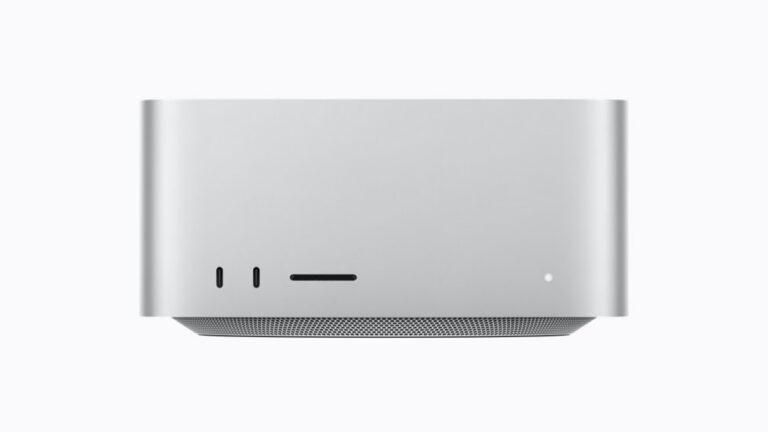
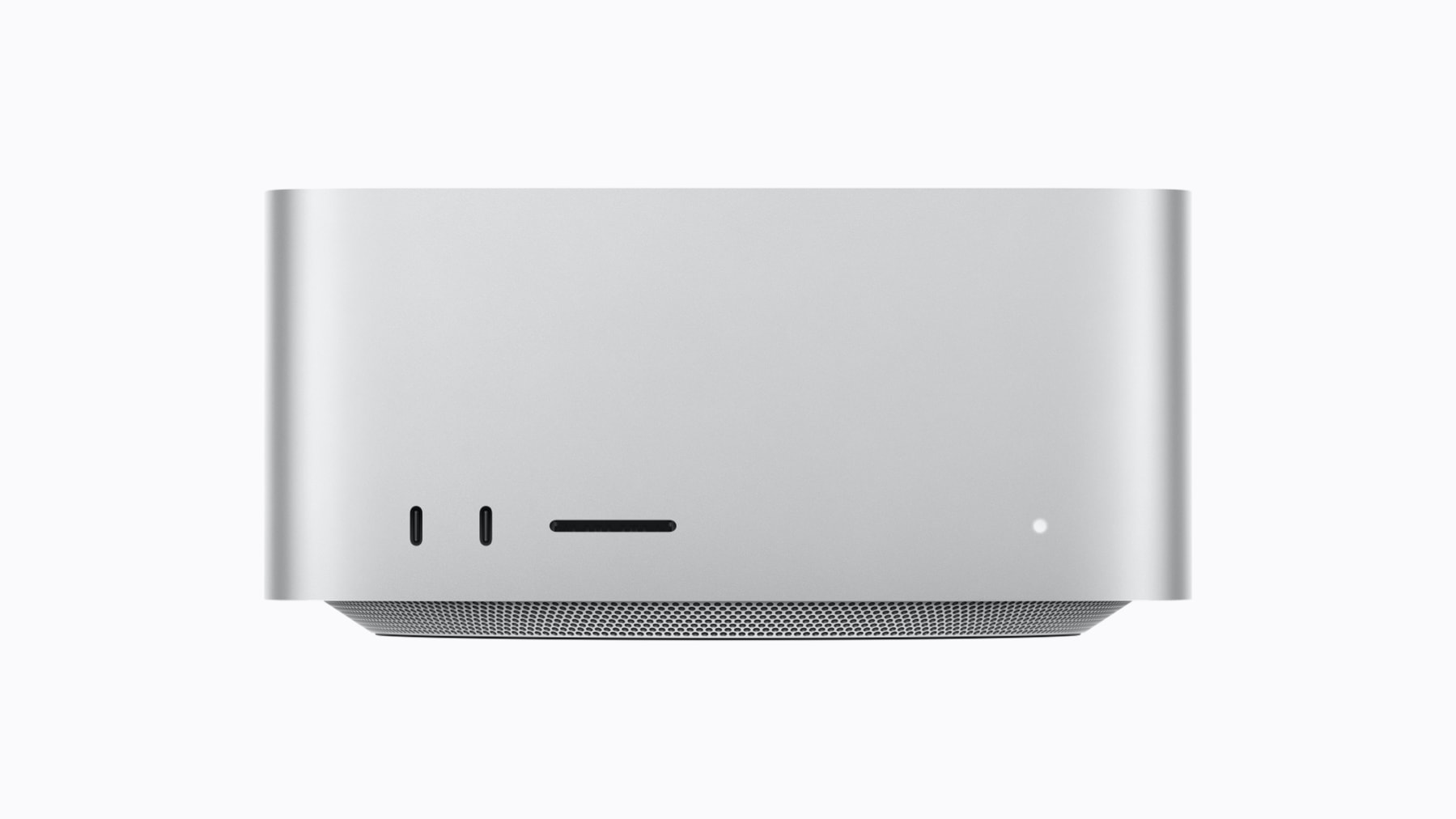
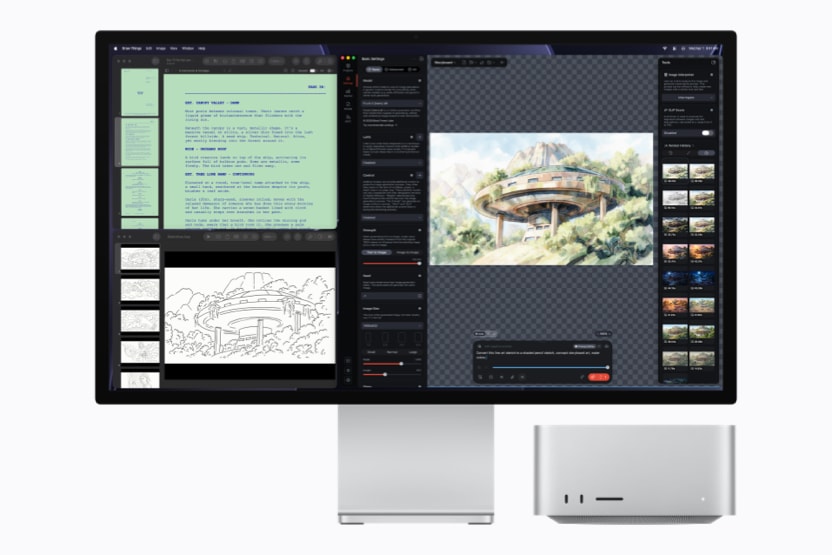
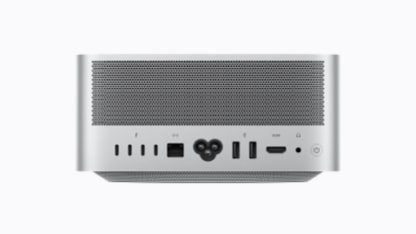
The 2026 Mac Studio is, in Apple’s words, “the ultimate desktop for on-device AI.” The chassis is unchanged — 7.7 × 7.7 × 3.7 inches — but the silicon and the memory ladder are where the decision lives. The M5 Max tops out at 128GB with 614GB/s; the M5 Ultra starts at 96GB but runs at 1.2TB/s, and its ceiling climbs to 256GB and 512GB (the 512GB tier lands in late October).
That’s the whole puzzle. For roughly the same money, Apple is offering you two opposite trades:
- M5 Ultra 96GB ($5,499): more cores (up to 80-core GPU), and 2× the memory bandwidth — but 32GB less total memory.
- M5 Max 128GB ($5,399): more memory — a hard ceiling the Ultra’s base tier can’t reach — but about half the bandwidth.
Memory bandwidth is what sets inference speed. When a model is already resident in memory, every token you generate has to stream the model’s weights (and the KV cache) through the memory bus. Double the bandwidth, and you get roughly double the tokens per second — for any model that fits. Capacity, on the other hand, is a gate: if the model plus its context doesn’t fit, it doesn’t matter how fast the bus is. Speed multiplies; capacity is binary.
Which LLMs can each one actually run?
Here’s the practical test, using 4-bit quantization as the baseline (the sweet spot for local serving). Rule of thumb: a Q4 model needs roughly 0.6 GB per billion parameters, plus overhead for the KV cache and your chosen context window. That gives you three real tiers:
| Model class | ~Q4 footprint | Ultra 96GB | Max 128GB | DGX Spark 128GB |
|---|---|---|---|---|
| 8B–14B (Llama 3.1 8B, Qwen2.5-14B) | ~6–10GB | ✅ ample room | ✅ ample room | ✅ ample room |
| 30B–40B (Qwen2.5-32B, Gemma 3 27B) | ~20–26GB | ✅ comfortable | ✅ comfortable | ✅ comfortable |
| 70B–72B (Llama 3.3 70B, Qwen2.5-72B) | ~40–45GB | ✅ fits, ~2× speed | ✅ fits, more headroom | ✅ fits, slowest |
| ~120B MoE (Mixtral 8x22B) | ~80–90GB | ⚠️ at the edge | ✅ fits | ⚠️ at the edge |
| ~235B MoE (Qwen3-235B-A22B, low quant) | ~120GB+ | ❌ won’t fit | ✅ the whole point | ⚠️ tight / needs offload |
The pattern is the story. From 8B up through 72B — the range most people actually run — all three machines load the model comfortably, and the only difference is speed. There, the M5 Ultra’s 2× bandwidth makes it the fastest, the M5 Max is in the middle, and the DGX Spark is the slowest because 273GB/s is the ceiling. But step up to 120B–235B, and capacity becomes the gate: the 96GB Ultra is left out, the 128GB Max pulls ahead, and the DGX Spark’s CUDA offloading and two-box clustering (two Sparks over ConnectX-7 = 256GB pooled) become the only real way to serve the largest MoE models.
Is the 2× Ultra worth 32GB less RAM?
Short answer: if the model you want already fits in 96GB, yes — the Ultra is the better buy, and it’s only $100 more.
Reason it out. You’re paying $100 more for the Ultra’s 96GB than the Max’s 128GB. In exchange you get:
- 2× memory bandwidth (1.2TB/s vs 614GB/s) → ~2× inference throughput on anything that fits both.
- More GPU cores (up to 80 vs 40) → faster prompt processing and better scaling on MoE models, whose speed is compute-bound as much as bandwidth-bound.
- A path upward → 256GB and 512GB tiers the Max simply doesn’t offer.
So for 8B, 32B, and 70B-class models — the models 90% of local-AI users run — the Ultra is strictly the stronger machine, at nearly the same price. The 128GB Max’s extra RAM is value you can’t spend on a 70B model, because that model already fits in 96GB with room for a long context.
The Max 128GB wins only in one case: the model you need is bigger than 96GB. If your target is a ~120B MoE model, or you want a 72B model with a very long context window, the 96GB Ultra physically cannot load it — no amount of bandwidth fixes that. In that specific case, the Max’s 128GB is not “slower but bigger,” it’s the only sub-$6K Mac that can do the job at all. That’s the entire argument for the Max, and it’s a legitimate one — it’s just a narrower one.
The trap to avoid: don’t buy the 96GB Ultra assuming you’ll be fine, then hit the ceiling three months later. If there’s any real chance you’ll want a 120B+ model, the 128GB Max is the safer floor. If you’re certain you’ll stay at 70B and below, the Ultra’s speed is worth every cent of that $100 — and then some.
Where the DGX Spark actually fits
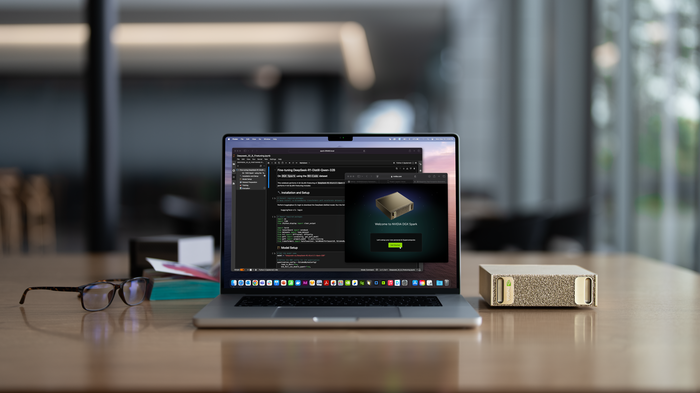
At $4,699 the DGX Spark is the cheapest of the three and ships today, but it’s a different animal. Its 128GB of memory matches the Max, and its 273GB/s bandwidth is less than half the Max’s — so for pure inference speed on the same model, it loses to both Macs. (Independent testing of a 70B model on a DGX Spark lands in the single-digit tokens/second range; the Macs, once benchmarked, should be meaningfully ahead on raw throughput.)
But the DGX Spark is the only one of the three with a full CUDA stack — NVIDIA NIM microservices, vLLM, TensorRT, and the entire PyTorch/CUDA training ecosystem. That’s the difference between “run the model” and “train or fine-tune the model.” If your workflow is:
- Fine-tuning or LoRA training (not just inference)
- A CUDA-native serving stack you already run (vLLM, TensorRT-LLM)
- Serving the largest models via a two-box cluster (256GB pooled)
…then the DGX Spark is the right tool, and the Macs aren’t even in the conversation. For a Mac-native, MLX/LM Studio, inference-focused, quiet desktop where you want to run big models with minimal fuss, the two Mac Studios are the cleaner fit.
Bottom line
| Buy this if… | Pick |
|---|---|
| Your target models are ≤72B and you want maximum speed | Mac Studio M5 Ultra 96GB |
| You may need 120B+ or a 72B model with long context | Mac Studio M5 Max 128GB |
| You train/fine-tune, or need CUDA, vLLM, or a 256GB cluster | NVIDIA DGX Spark |
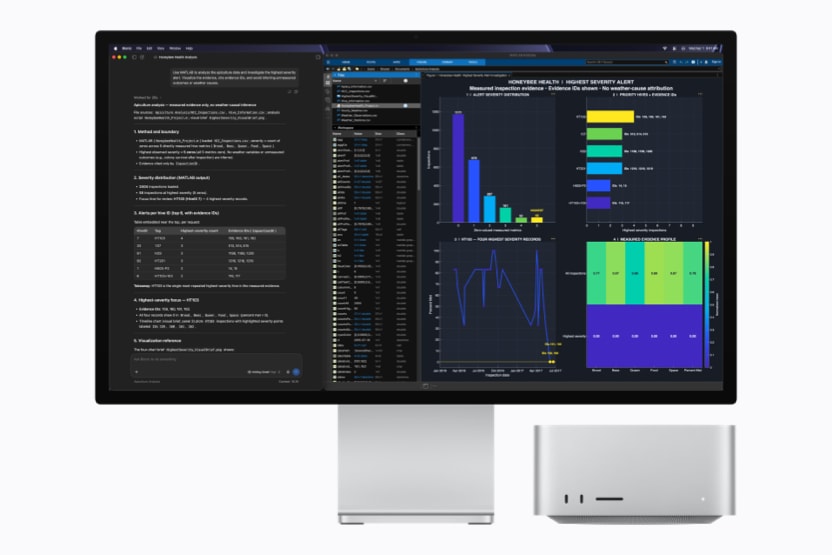
For most people, the honest answer is: the two Macs are a bandwidth-vs-capacity decision, and the DGX Spark is an ecosystem decision. If you’re choosing between the 96GB Ultra and the 128GB Max, the model you actually want to run — not the spec sheet — is the deciding factor. Fit it in 96GB and take the speed; need more than that and take the capacity. And if your work is more than just inference, the CUDA box is the one to reach for.
Sources: Apple Mac Studio tech specs & newsroom (M5 Max / M5 Ultra, announced Aug 25 2026, ships Sep 22 2026); Apple newsroom pricing (M5 Ultra from $5,499); NVIDIA DGX Spark product page. M5 inference-speed comparisons are derived from official memory-bandwidth figures; independent M5 benchmarks are not yet published as of this writing.