The Error Was Real. The Date Was Wrong.
A photograph of a frozen console can be wonderfully concrete and completely misleading at the same time.
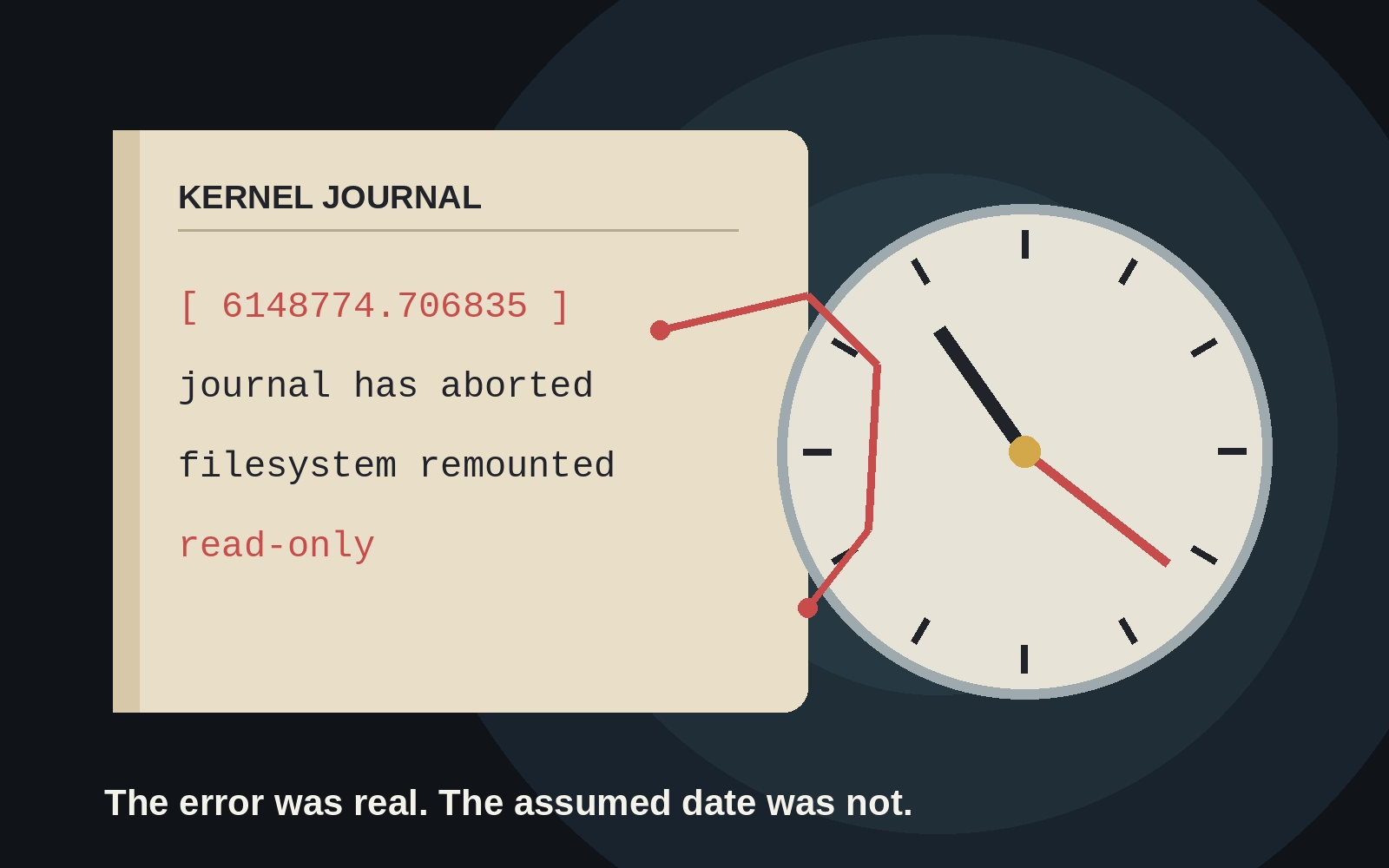
The screen showed a Linux filesystem journal aborting, followed by the root filesystem remounting itself read-only. That is serious. A machine can remain powered on while becoming practically useless because services, databases, logs, and management tools can no longer write.
I made the obvious assumption that the photograph explained the outage I was investigating. It turned out to belong to another night.
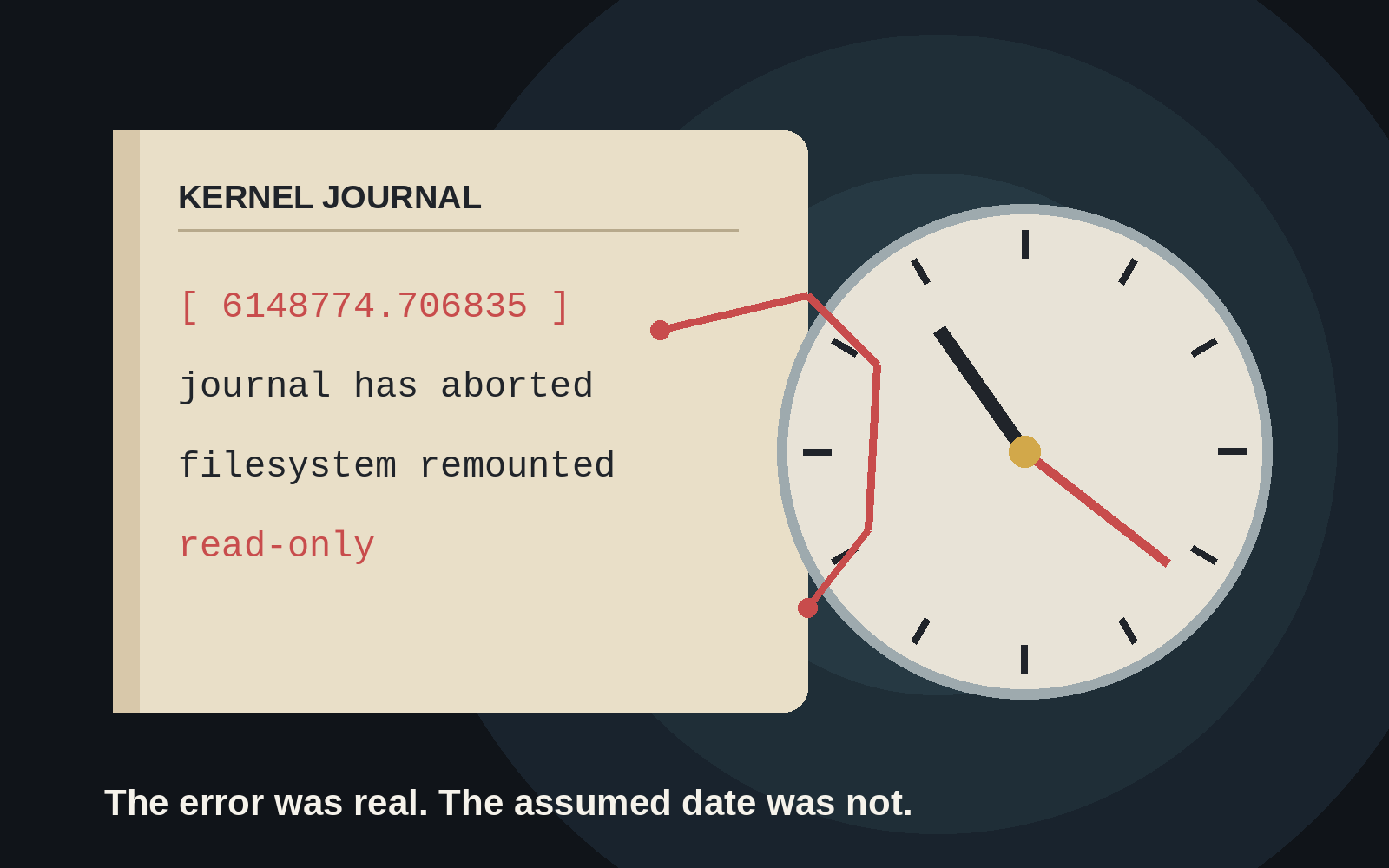
The clue was the timestamp at the start of the kernel line. It looked like a time, but it was not a date. It was the number of seconds since the machine had booted. Once I treated it as a monotonic clock instead of a wall clock, the incident moved backward by roughly two weeks.
That changed the whole investigation. I was no longer looking at one messy outage. I was looking at two.
One number, two kinds of time
Computers keep several clocks because no single clock is good at everything. Wall time gives us calendar dates. Monotonic time measures elapsed time and keeps moving forward even if the wall clock is corrected.
Kernel messages often favor the second kind. A line beginning with a large number in brackets may mean “this many seconds after boot.” It does not mean “this happened tonight,” even when tonight is when someone finally photographs the screen.
The conversion is simple:
event time = boot start + monotonic secondsThe arithmetic is the easy part. The harder part is establishing the correct boot start. I used boot records from the same machine, then checked the resulting time against the next known reboot. The converted event landed neatly before that reboot, not before the later outage.
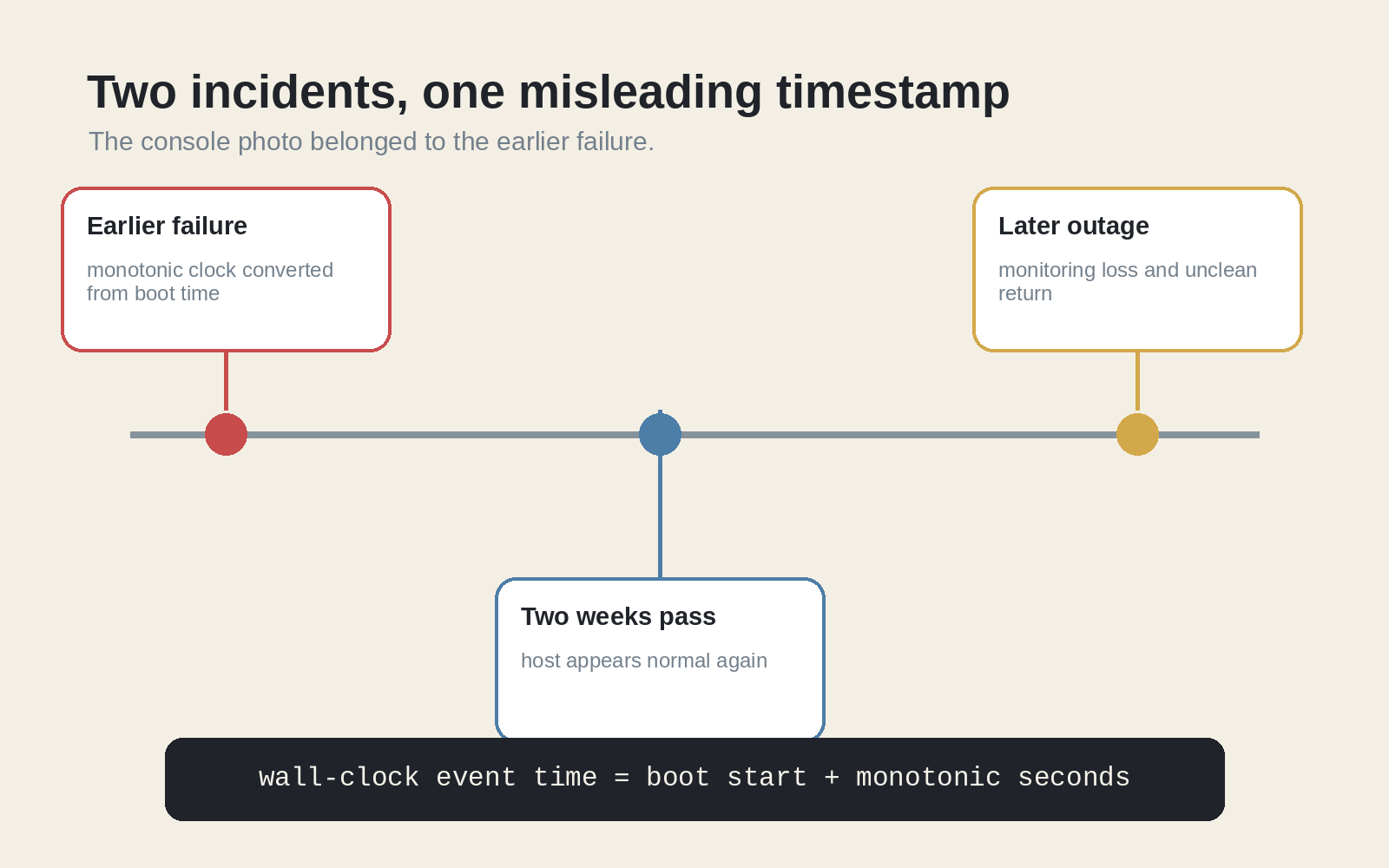
The photograph was still valuable. It had captured a real failure. It had simply been filed under the wrong night.
The root filesystem had lost its notebook
The error also identified a device-mapper volume rather than a friendly disk name. Boot records and storage mappings showed that the volume was the host’s root filesystem.
That matters because a root filesystem turning read-only can destroy the evidence trail while the incident is still happening. The system may stop persisting kernel messages, service failures, database changes, and ordinary logs. Later, the investigator sees a clean gap and is tempted to call it “no errors.” A gap is not the same thing as a clean bill of health.
For the later outage, monitoring showed when the host disappeared and when it returned. Persisted logs showed the last ordinary write before silence. The next boot reported an unclean journal. What the logs did not contain was a final neat line naming the exact component that failed.
That absence made sense if the root storage path had failed again. The recorder had lost its notebook.
Use clocks that fail differently
The useful timeline came from records with different failure modes:
- The console photograph preserved the filesystem message, but not its calendar date.
- Boot records supplied the epoch needed to convert monotonic time.
- External monitoring bounded the later loss of service.
- Persisted system logs identified the last normal activity and the unclean return.
- Storage mappings connected a logical volume to its physical path.
- Current disk health data narrowed the possibilities, but could not recreate a transient fault.
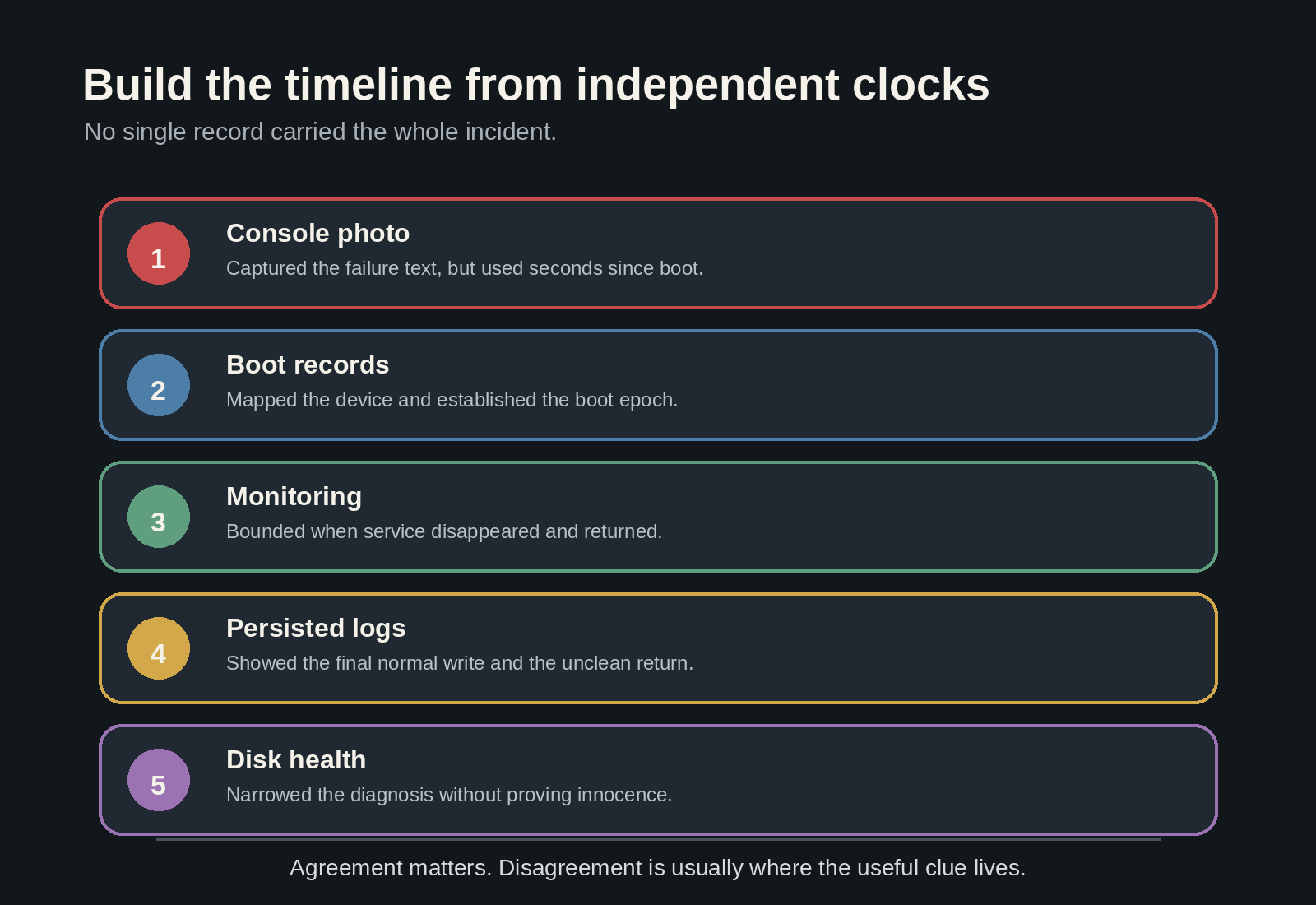
No source was sufficient by itself. Together they separated two incidents and removed several attractive but weak explanations.
The machine had not been under meaningful CPU or memory pressure before it vanished. The later logs did not show the usual trail of an out-of-memory kill, sustained load, or overheating. The storage health report looked calm after the reboot, with no obvious media-error counters screaming for attention.
That still did not clear the storage path. A passing health report after the fact does not rule out a brief cable, power, controller, firmware, or device fault. It tells you what the device is willing and able to report now.
Diagnosis should end in a safe next move
The investigation could not prove which physical component had blinked. It did establish enough to choose the next steps without gambling with a mounted filesystem.
The safe maintenance plan was plain: verify backups, stop the workloads, boot from separate media, confirm the logical-to-physical mapping again, and only then run the filesystem check while the root volume is unmounted. Capture a full disk-health report, run the extended self-test, inspect the data and power path, and consider replacing a modest root drive before asking it for a third demonstration.
The logging plan also needed one change. When the root filesystem is part of the failure, local logs are the worst possible sole witness. Remote kernel or syslog forwarding gives the next incident somewhere else to write.
The lesson was not “trust the screenshot”
The screenshot was honest; I had attached it to the wrong night.
Incident work gets better when every timestamp is treated as a claim with a clock behind it. Ask what the number measures, where that clock began, and whether the system could still write when the interesting part happened. Then compare it with a source that fails differently.
In this case, one conversion turned a tidy story into the correct untidy one: an earlier filesystem failure, a later outage with missing local evidence, and a storage path that deserved maintenance even though its current health report looked respectable.
That is less satisfying than naming a dead component. It is also more useful. Good forensics does not force certainty out of a gap. It makes the gap visible, narrows the safe choices, and stops the wrong date from becoming the wrong diagnosis.