A 145B Model Fits on Your Laptop Now: The On-Device Wave That Broke the Memory Wall
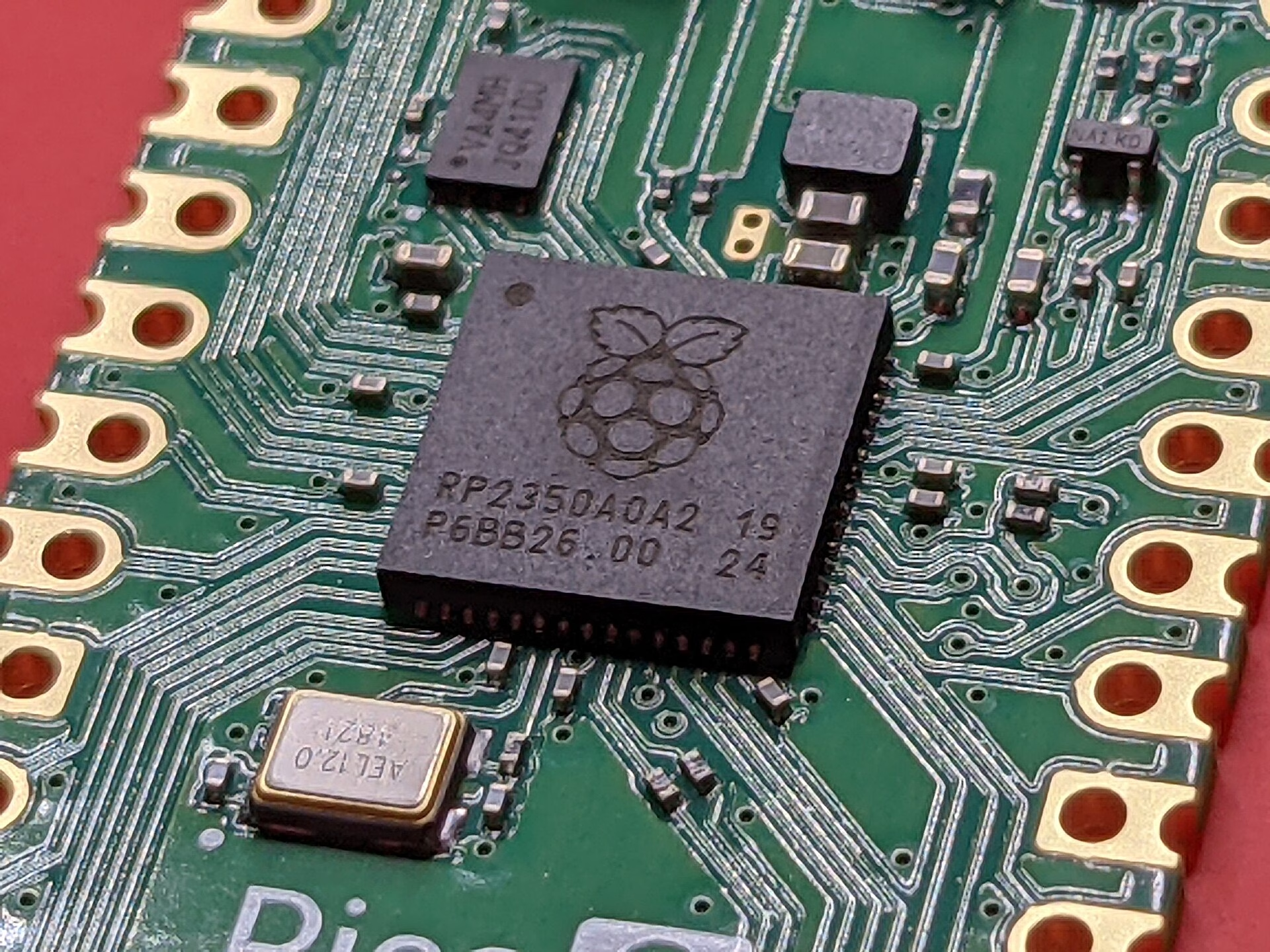
For about a year and a half, the practical limit for running an AI model on your own hardware sat somewhere around ten billion parameters. Bigger than that, and you were either out of memory, out of patience, or quietly paying a cloud bill. This week broke that ceiling three different ways in about ten days, and for a homelab operator the three announcements are not three separate stories. They are one: the moment a 145-billion-parameter model stopped being a thing that lives in a data center and started being something you can put on the desk next to the coffee maker. The catch, as always, is that “runs on your laptop” now carries a much more interesting question than “will it fit.”
The wall was memory, not compute
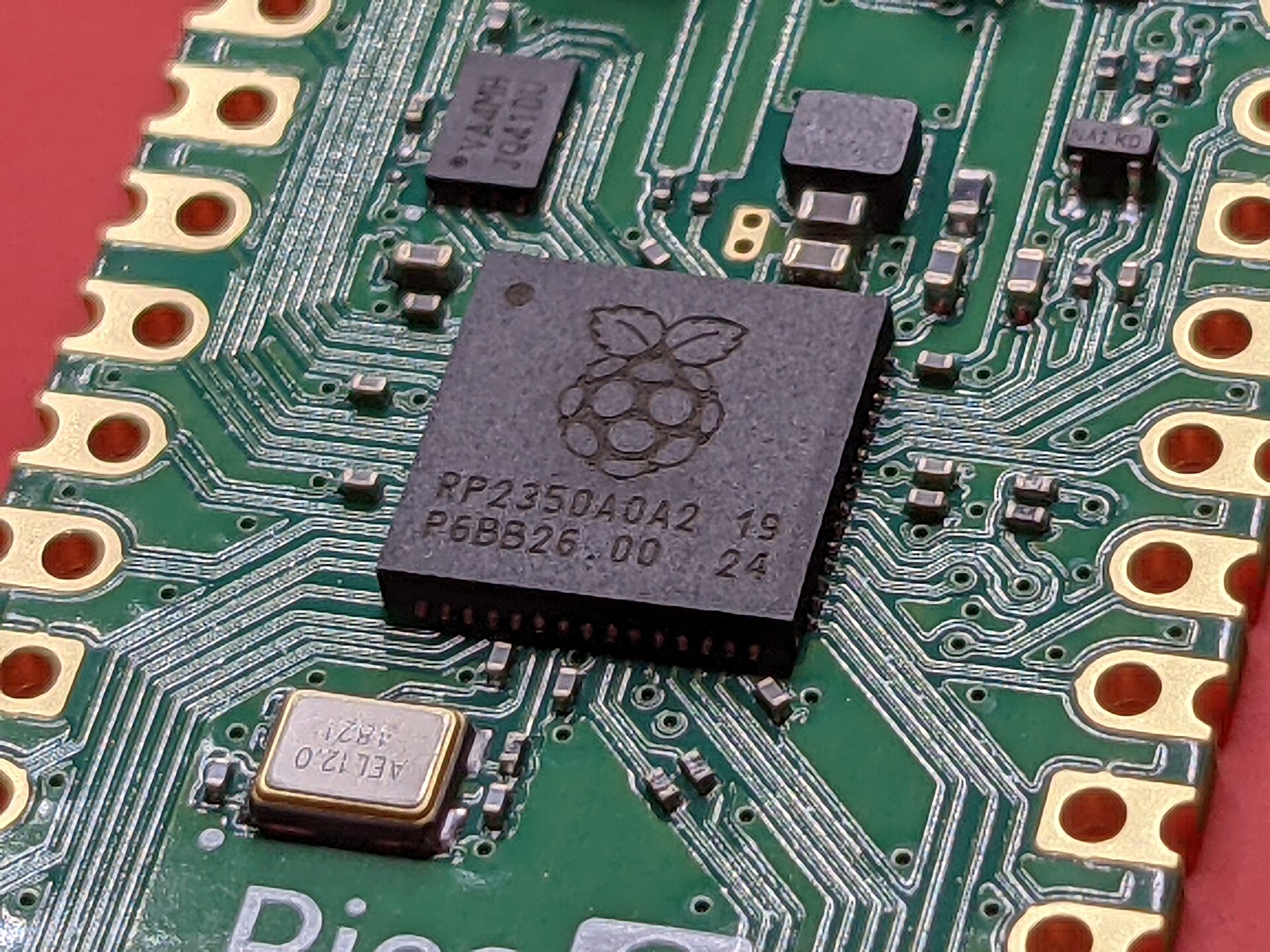
Edge0, a small lab that had already shipped a phone-scale model in September, open-sourced Edge0-145B and a smaller Edge0-120B sibling on November 12, 2026, along with its inference framework and deployment tools. The headline number is 145 billion parameters running on personal hardware, and the headline claim is that it does so without a cloud token bill. The way it fits is the interesting part: Edge0 uses a latent mixture of experts. Each layer holds 512 routed experts, but the router only activates ten of them per token (plus one shared expert), so Edge0-145B moves roughly 10.12 billion active parameters per token even though the full model is far larger. That is the trick that lets a 145B model live where a 10B model used to be the ceiling: the parameter count you store is big, the parameter count you compute on any one token is not.
What actually sells the claim, though, is the engineering around the loading. The runtime does not assume everything sits in one fast memory pool. It caches frequently used experts on the GPU, keeps the rest in system memory, and streams the remainder from storage as needed, while a multi-token prediction scheme lets the engine verify several candidate tokens in one step. In the company’s own reporting, an Edge0-145B build hit 91.7 tokens per second on an RTX 4090 with 24 GB of video memory, and the weights are released in Q3_K and NVFP4 builds. The 120B sibling activates about 8.64 billion parameters per token, and both support context windows up to 256K. For a household running an agent on a schedule rather than a one-off demo, that is the difference between a model you can keep resident and one you can only reach for.
Three angles, one thesis
Edge0 is the loudest of this week’s moves, but it is not alone, and the three releases point the same direction. Thinking Machines Lab put Inkling 2 Mini out on November 20 under an Apache 2.0 license: a multimodal, looped mixture-of-experts transformer with about 26.4 billion physical parameters but only 3.4 billion active per token, built to run on Apple silicon with 32 GB or more and on a single NVIDIA DGX Spark. The looping is the clever bit, and it is the same instinct as Edge0’s expert routing. Instead of adding more layers to get more reasoning depth, Inkling passes the hidden state back through its middle layers a few times, so 24 physical layers do the work of 48 logical ones. You get depth without the memory bill.
Then there is the piece that lands closest to most people’s actual desks. On November 19, AMD and Unsloth announced that Unsloth Desktop can now run inference on AMD’s XDNA 2 neural processing units, the first NPU support the desktop app has had. The architecture is an OpenAI-compatible API: a compatible application sends a model request, and the Lemonade and FastFlowLM stack serves and runs the model on the NPU while the CPU and GPU stay free for everything else. AMD’s own newsroom lists Hermes Agent, OpenClaw, Open WebUI, Cline, LangChain and GitHub Copilot among the 100-plus tools that can connect. That is a real, specific, homelab-relevant change: an NPU that has sat mostly idle inside a lot of recent laptops and desktops now has a clean, standardized way to do sustained, low-power inference instead of being left on the bench while the main GPU handles the model.
What “it fits on a laptop” now means
The point of all three is the same one I keep coming back to when the local-AI news gets loud: the constraint stopped being “can a model of this size run on my machine?” and became “what do I actually need it to do?” Edge0 makes a 145B model a desktop-class option on a 24 GB graphics card. Inkling 2 Mini makes a 26B model a thing you can run on a 32 GB Mac. The NPU integration makes the AI accelerator already soldered into your machine an option for the quiet, continuous jobs that do not need a big GPU. Together they collapse the old either/or that used to define the local-versus-cloud decision. The decision is no longer “cloud or a small model.” It is “which model, on which piece of hardware already sitting in front of me, for which job.”
That reframe matters for a home lab the way it matters for anything you run on a cron. A scheduled agent that reads a feed, decides, and writes a short note every few minutes is exactly the kind of high-volume, verifiable-outcome work that wants a cheap, always-on, power-efficient home. A big one-off that has to plan and execute a multi-step project wants the bigger model on the bigger card, and now it can have both locally instead of reaching for a cloud bill. The honest summary of this week is not that every model runs everywhere. It is that the menu got genuinely wider, and the line between “on your device” and “in the cloud” is now a routing decision you make per task, not a wall you hit per model.
Two caveats keep this from being pure hype. The benchmark numbers in every one of these releases are the makers’ own, not independently reproduced, and they apply to the specific hardware and builds they name. A 91.7 tokens-per-second number on an RTX 4090 is not a promise that it will hit the same speed on your 16 GB laptop with a different quantization. And “no cloud bill” is not “no cost at all”: the electricity, the memory, and the hardware you had to buy are still real. The win is that those costs become fixed and yours instead of a metered cloud bill that grows with usage, which for a household workshop that keeps an agent running on a schedule is a meaningfully better trade. The local stack is finally big enough that the question is worth having instead of being assumed for you.
Where it lands for us
For a household running its own small stack, this week is a good one. If you have a 32 GB Mac, Inkling 2 Mini is a multimodal model you can actually run and point an agent at. If you have an RTX card, Edge0-145B is a 145B-class model that fits the way a 35B used to be a stretch. And if you have a recent AMD machine with an NPU you have not been using, Unsloth just gave that chip a reason to do real work. The through-line for anyone building a home lab is the one that has held all year and that this week makes concrete: the hardware you already own is now good enough to run the models that used to be a cloud-only decision, and the right move is to route the per-task work to whatever is best for that task, locally first.
Sources
- Edge0, Introducing Edge0-145B: Frontier AI Capabilities on Your Own Computer (Nov 12, 2026): edge0.ai/blog/introducing-edge0-145b
- Edge0-145B-NVFP4 model card, Hugging Face: huggingface.co/Edge0/Edge0-145B-NVFP4
- AMD Newsroom, AMD and Unsloth Bring NPU Support to 100+ Agentic AI Applications (Nov 19, 2026): newsroom.amd.com/news/amd-unsloth-bring-npu-support-agentic-ai-applications
- Thinking Machines Lab, Inkling 2 Mini technical report (Nov 20, 2026): huggingface.co
- Phoronix, Unsloth Desktop Now Supports Using The AMD Ryzen AI NPU: phoronix.com/news/Unsloth-Desktop-Ryzen-AI-NPU
Related: The Frontier Is Cheap Enough to Run Per Task: GPT-6.2 and the Quiet Cost Collapse (Nov 21) covered the cloud side of the same routing question; this post is about the local side of it, the wave that makes a 145B model a desktop option instead of a data-center one.